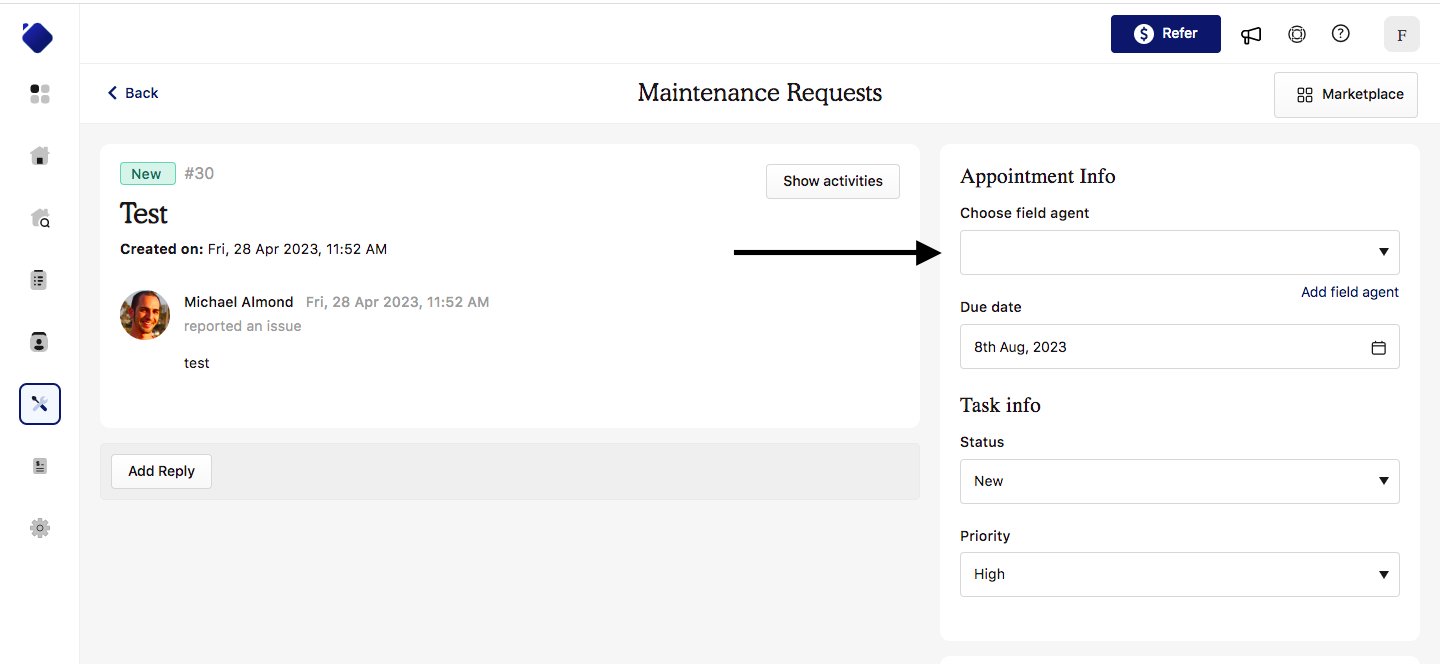
To assign a field agent to a ticket, simply:
- navigate to the maintenance area
- open the ticket for which you would like to assign an agent
- select your field agent from the drop down, add a new one if they are not yet assigned to your account.
Was this article helpful?
That’s Great!
Thank you for your feedback
Sorry! We couldn't be helpful
Thank you for your feedback
Feedback sent
We appreciate your effort and will try to fix the article